

How Tampa Restaurants Can Get Into the Google Maps 3-Pack
How Tampa Restaurants Can Get Into the Google Maps 3-Pack
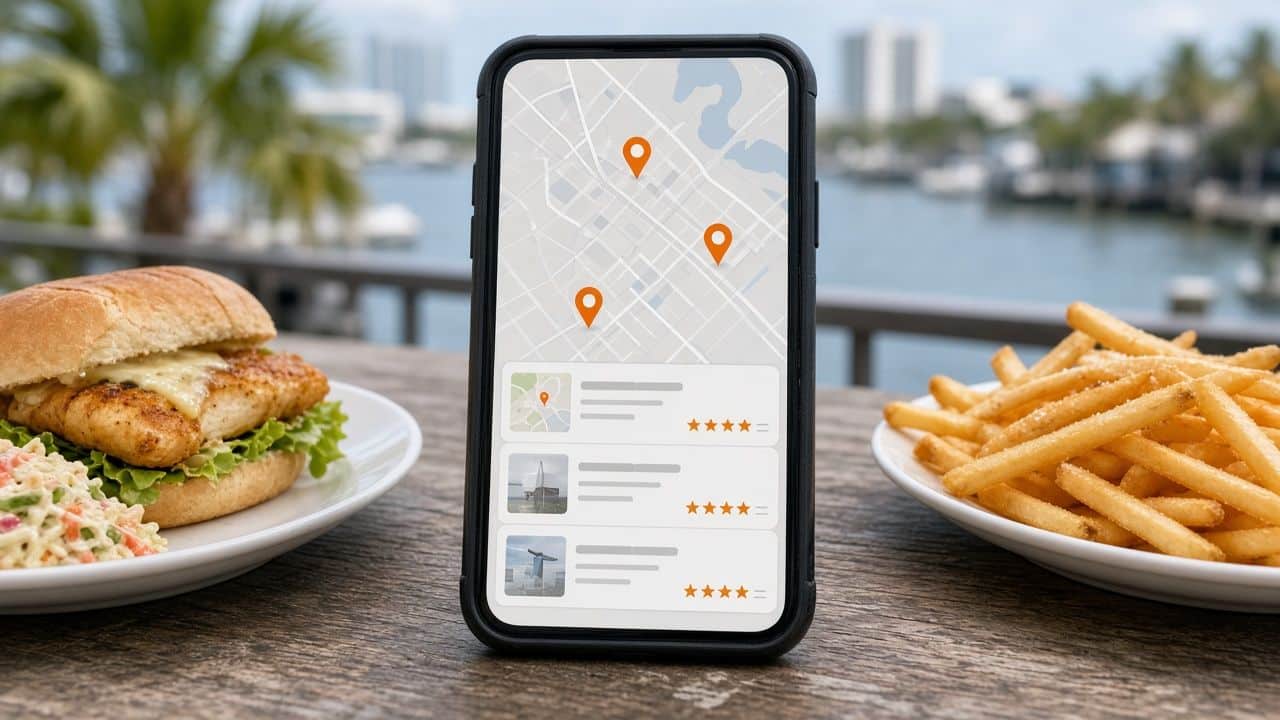
Search for “restaurants near me” from almost anywhere in Tampa and Google usually shows a map with a short list of restaurants underneath it, before any regular website results. That block is commonly called the local pack or the 3-pack, because it typically highlights three businesses. For restaurants, it is some of the most valuable space on the internet. A hungry person on a phone often picks from those few options and never scrolls further.
This guide explains how the 3-pack works, what Google says it looks at, and the practical steps a Tampa restaurant can take to improve its chances of showing up there. None of it requires tricks. It requires accurate information, consistent effort and a real understanding of how people in Tampa search for food.
What the Google Maps 3-pack actually is
The 3-pack is a set of Google Business Profile listings shown with a map for searches that have local intent. It appears for obvious searches like “pizza near me,” and also for searches like “Cuban sandwich Tampa,” “brunch South Tampa” or “seafood restaurant Channelside.” Each listing shows the name, rating, review count, category, price level, hours, and often a photo or a snippet from a review. Tapping a listing opens the full profile with directions, the menu, photos and a button to call, order or reserve.
The results are personal. Google adjusts them based on where the searcher is, what they typed and sometimes how they have searched before. That means there is no single “rank” for your restaurant. You might be in the 3-pack for people standing in Hyde Park and not for people in Westshore, even for the same search.
The three things Google says it looks at
Google’s own guidance says local results are based mainly on three factors: relevance, distance and prominence. Understanding each one makes it clearer what you can and cannot control.
Relevance
Relevance is how well your listing matches what someone searched for. Google reads your business categories, your description, your menu, your attributes, your photos, your reviews and your website to decide whether you are a good answer to “tapas,” “vegan brunch” or “late-night food.” The more complete and specific your information is, the more searches you can be relevant for.
Distance
Distance is how far your restaurant is from the searcher, or from the location named in the search. You cannot move your building, and that is fine. What you can do is make sure your address and map pin are exactly right, and that your website and listing clearly state the neighborhood you are in so Google matches you to searches like “restaurants in Seminole Heights” even when the searcher is somewhere else.
Prominence
Prominence is how well known and trusted your restaurant appears to be. Google considers things like the number and quality of your reviews, mentions and links from other websites, and how established your presence looks across the web. A restaurant that has been written about by local media, listed on reputable food sites and reviewed often by real guests tends to look more prominent.
Step 1: Claim, verify and complete your Google Business Profile
Everything starts with a verified Google Business Profile. Once you have it, fill in every relevant field:
- Business name. Use your real name as it appears on your signage. Adding extra keywords to your name, like “Best Tampa Seafood,” violates Google’s guidelines and can get your listing suspended.
- Primary category. Choose the most specific category that describes what you are best known for, such as “Cuban restaurant” or “Seafood restaurant” rather than just “Restaurant.” Add secondary categories for other genuine offerings, like “Bar” or “Brunch restaurant.”
- Hours and special hours. Keep regular hours accurate and set special hours for holidays, Gasparilla weekend, game nights or any time your schedule changes.
- Menu and links. Add your menu and link to your online ordering and reservation pages.
- Attributes. Outdoor seating, dog-friendly, live music, vegetarian options, accessibility and more. These help you match specific searches.
- Description. Write a natural description of your restaurant, cuisine and neighborhood.
Step 2: Make your website back up your listing
Google uses your website to confirm and expand on what your listing says. A strong restaurant website for local search should include:
- Your name, address and phone number in text, matching your listing exactly.
- A text-based menu that Google can read, not only a PDF or an image.
- Your neighborhood and nearby landmarks mentioned naturally, for example “two blocks from the Riverwalk” or “on 7th Avenue in Ybor City.”
- Restaurant schema markup with your cuisine, hours, address and menu link.
- Fast load times on mobile, since most local searches happen on phones.
If your current site is missing these, our restaurant website design service in Tampa is built around exactly these needs.
Step 3: Earn reviews the right way
Reviews influence both prominence and whether someone taps your listing. Focus on steady, genuine reviews from real guests:
- Ask every guest, not just the ones who seem happy. Google does not allow selectively asking only satisfied customers or offering incentives in exchange for reviews.
- Make it easy with a short link or QR code on receipts, table tents or follow-up messages after online orders.
- Respond to every review, positive or negative, politely and specifically. Responses show both Google and future guests that you are active and care.
- Never buy reviews, post reviews yourself or ask staff and family to review you. Beyond breaking Google’s rules, fake reviews are prohibited under federal rules enforced by the FTC.
If you are dealing with reviews that look fake or unfair, read our companion guide on how Tampa restaurants can handle fake Google reviews. For ongoing help, see our restaurant reputation management service.
Step 4: Keep your profile active with photos and posts
Listings with current photos give guests a reason to choose you. Upload clear photos of your dishes, drinks, dining room, patio and storefront, and add new ones regularly as your menu changes. Google posts let you share specials, events and seasonal menus directly on your profile. They are a simple way to show you are open and active, especially before busy periods like holiday weekends or big events downtown.
Step 5: Build consistent citations and local mentions
Citations are mentions of your restaurant’s name, address and phone number on other sites, like Yelp, TripAdvisor, Apple Maps, Bing Places, food delivery apps and local directories. Inconsistent information, such as an old phone number or a former address, can confuse both search engines and guests. Clean up the listings you have, then add your restaurant to reputable food and local sites. Mentions from local media, event pages and neighborhood guides can also help build prominence.
Step 6: Think in neighborhoods
Tampa diners often search by neighborhood. People look for “dinner in Hyde Park,” “Ybor City restaurants,” “Channelside bars” or “Seminole Heights brunch.” Mention your neighborhood clearly on your website and in your Google description, and consider content that helps visitors plan, such as parking tips or what is nearby. You can see how we approach this in our page on restaurant SEO in Seminole Heights, where independent restaurants compete on the same few blocks.
Common mistakes that hold Tampa restaurants back
- Two or more Google listings for the same location, often left over from a previous owner or an old address.
- Hours that are wrong on holidays or after a schedule change.
- A generic “Restaurant” category when a more specific one fits.
- A menu that only exists as a photo or a PDF.
- Months of unanswered reviews.
- Keyword-stuffed business names, which risk suspension.
Frequently asked questions
How long does it take to get into the Google Maps 3-pack?
There is no fixed timeline. Fixing listing errors can help quickly, while building reviews and prominence takes ongoing effort over months. Results also vary by neighborhood and by how competitive your cuisine is.
Can I pay Google to be in the 3-pack?
You can run Google Ads that appear in or near map results and are labeled as sponsored, but the regular 3-pack listings cannot be bought. Many restaurants use both. Learn more about Google Ads management.
Why do I show up in the 3-pack for some people and not others?
Because results depend on the searcher’s location and the exact words they use. You may rank well near your restaurant and less well across town. That is normal.
Does my website really matter for map rankings?
Yes. Google uses your website to confirm your information and understand what you offer, and many guests check your site before they decide. A clear, fast, accurate site supports your listing.
Want help getting your restaurant into the 3-pack?
Ignite Design Group is a Tampa Bay agency based in Lutz that helps restaurants with local SEO in Tampa, websites, reviews and social media. Call 609-827-2645, email brian@ignitedesigngroup.com, or contact us to talk through where your restaurant stands.

Leave a Reply
Want to join the discussion?Feel free to contribute!