TikTok for Tampa restaurants illustration of a phone on a tripod filming a Cuban sandwich on a sunny patio

TikTok for Tampa Restaurants: A Beginner’s Playbook

If you own or manage a restaurant in Tampa Bay, you have probably heard some version of “you need to be on TikTok.” Maybe a guest told you they found you through a video, or a competitor’s clip of a cheese pull went around the neighborhood. TikTok has become one of the places people go to decide where to eat, especially younger diners and visitors planning a trip. This guide to TikTok for Tampa restaurants covers what to post, how to film and how to keep it manageable.

The good news is that you do not need a film crew, a big budget or a dance routine. You need a phone, a plan and the willingness to show what makes your restaurant worth the trip. This playbook covers how to set up your account, what to post, how to film, and how to tell whether it is working.
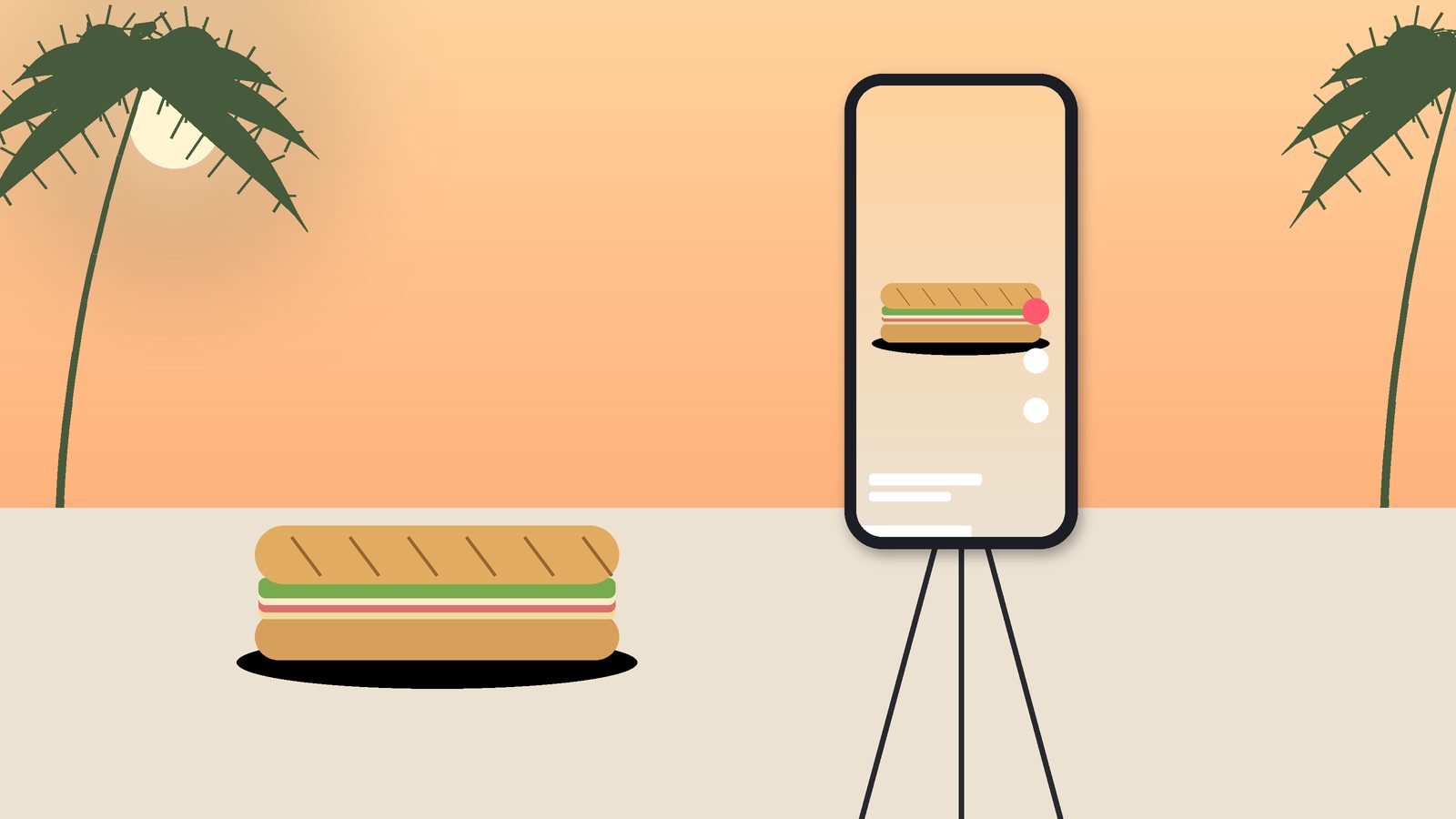
TikTok for Tampa restaurants illustration of a phone on a tripod filming a Cuban sandwich on a sunny patio

Step 1: Set up your account the right way

  • Use a business account. TikTok business accounts give you access to analytics, a website link in your profile and advertising tools. Note that business accounts are generally limited to TikTok’s Commercial Music Library rather than every trending song, which protects you from copyright problems.
  • Choose a clear username. Use your restaurant name, and add “tampa” or your neighborhood only if your exact name is taken.
  • Write a useful bio. Say what you serve and where, for example “Cuban-inspired brunch in Seminole Heights.” Add your hours or a line like “walk-ins welcome.”
  • Add your website link. Point it to a page with your menu, hours, address and reservation or ordering links. If your menu is a PDF, consider switching; our article on PDF vs. HTML menus explains why.
  • Use a recognizable profile photo. Your logo or a signature dish works well.

Step 2: Decide what your restaurant is known for

The accounts that grow are usually the ones with a clear identity. Before you film anything, write down three to five things you want people to remember about you. Maybe it is your Cuban sandwich pressed the traditional Tampa way with salami, your devil crabs, a smoked brisket that sells out by 7, a waterfront patio, a bartender who builds wild garnishes or a family recipe that goes back generations. Those become your content pillars, the topics you return to again and again.

Step 3: Content ideas that work for Tampa restaurants

You do not need to chase every trend. These formats work well for restaurants and are easy to repeat:

  • The money shot. A close-up of your best dish being finished, sliced, poured or plated. Three to ten seconds is often enough.
  • Behind the scenes. Morning prep, fresh bread coming out of the oven, the smoker being loaded, produce arriving.
  • Meet the team. A quick intro to your chef, a longtime server or the person who makes your desserts, only with their permission.
  • “What I’d order.” A staff member walks through their favorite meal on the menu.
  • Local moments. Tie content to Tampa’s calendar: Gasparilla season in January, Lightning and Bucs game days, spring baseball, summer storms and slow-season specials, holiday parties and the snowbird season when many seasonal residents return.
  • Answer questions. TikTok lets you reply to comments with a video. “Do you have vegan options?” or “Is the patio dog-friendly?” can become short, helpful clips.
  • Neighborhood context. Show what is nearby, like the streetcar stop if you are in Ybor or Channelside, a walk from the Riverwalk, or the view from your patio, so visitors can picture the trip.
TikTok for Tampa restaurants illustration of a ring light and phone filming plated dishes on a table

Step 4: Film simply and well

  • Shoot vertically. TikTok is a 9:16 vertical platform. Hold your phone upright.
  • Use good light. Natural light near a window or on a patio beats dim dining room lighting. Florida sun is your friend, but avoid harsh midday shadows on food.
  • Hook in the first second. Start with the most interesting moment, not a slow pan of your sign.
  • Keep it short. Many great restaurant videos are under 20 seconds. Make every second count.
  • Add captions and on-screen text. Many people watch with the sound off. A short line like “Our Sunday brunch, start to finish” adds context.
  • Respect your guests. Do not film diners without their permission, and be careful about faces in the background.

Step 5: Post consistently and engage

Consistency matters more than volume. Pick a schedule your team can sustain, such as two or three videos a week, and stick with it for a few months before judging results. Batch-film several videos during a quiet afternoon so you are not scrambling during service.

Engagement matters too. Reply to comments, answer questions and thank people who tag you. When a guest posts a video about your restaurant, consider asking permission to share it. Use location tags and a few relevant hashtags, such as your neighborhood or city, rather than a long list of generic tags.

Step 6: Connect TikTok to the rest of your marketing

A viewer who loves your video will usually search for you on Google next. Make sure your Google Business Profile has current hours, photos and a menu link, and that your website loads fast on a phone. If that path is broken, you lose the guest you just won. Our guide on getting into the Google Maps 3-pack covers that side of the journey.

Your best TikTok videos can also be reposted as Instagram Reels and Facebook videos, adjusted for each platform. We cover that in more depth on our Instagram marketing for Tampa restaurants page.

Step 7: Consider a small paid boost

TikTok’s ad tools let you promote a video to people in a specific location, such as Tampa Bay or a radius around your restaurant. Start small, promote videos that are already performing well organically, and set a clear goal such as profile visits or website clicks. Alcohol promotion has extra rules on TikTok, so review the platform’s ad policies before boosting drink content.

How to tell if it is working

Views are nice, but they are not the goal. Watch for signs that TikTok is bringing guests in:

  • Profile visits and website link clicks in your TikTok analytics
  • Guests mentioning TikTok when they order or book
  • Increases in direction requests and calls on your Google Business Profile
  • Comments from people asking where you are or saying they plan to visit

Ask your staff to note when guests mention a video. That simple habit often tells you more than any dashboard.

When to bring in help

Many restaurants start TikTok on their own and do great. Others find that the time to plan, film, edit and respond is hard to fit around running a kitchen. Ignite Design Group is a Lutz-based Tampa Bay agency that offers TikTok marketing in Tampa as part of our social media management in Tampa. We also help restaurants with the bigger picture through restaurant marketing in Tampa and neighborhood-focused work like our Ybor City restaurant marketing.

Animated illustration: a phone inside a ring light records plated dishes on a restaurant table.

Frequently asked questions

Do I have to show my face on TikTok?

No. Many restaurant accounts focus entirely on the food, the drinks and the space. A friendly face can add personality, but it is not required.

Can I use popular songs in my videos?

Business accounts are generally limited to TikTok’s Commercial Music Library, which includes music cleared for commercial use. Using other copyrighted music can get videos muted or removed.

How long before TikTok brings in customers?

It varies. Some videos take off quickly, but most restaurants see steadier results after a few months of consistent posting. Treat it as a long-term channel.

Should I post the same videos on Instagram?

Often, yes, with small adjustments for each platform such as captions, cover images and music. Reusing your best content saves a lot of time.

Ready to start?

If you want help planning or producing TikTok content for your restaurant, call Brian at 609-827-2645, email brian@ignitedesigngroup.com, or contact Ignite Design Group.


Respond to negative restaurant reviews illustration of a phone with reply messages on a restaurant table

How to Respond to Negative Restaurant Reviews (With Examples)

Every restaurant gets negative reviews. A slammed Friday night, a missing side in a to-go order, a server having a rough shift or a guest who simply did not love the dish: it happens to the best kitchens in Tampa. What separates restaurants with strong reputations is not a perfect record. It is how they respond.

Your response is not really for the person who wrote the review. It is for the hundreds of future guests who will read both the review and your reply while deciding where to eat. A calm, specific and human response can turn a one-star review into proof that you care. A defensive one can do more damage than the review itself.

Respond to negative restaurant reviews illustration of a phone with reply messages on a restaurant table

This guide walks through a simple framework for replying to negative reviews, example responses for common situations, and the mistakes to avoid. It is written for independent restaurant owners and managers in Tampa Bay, but the principles work anywhere.

Before you reply: take a breath and check the facts

The worst responses are written in the first five minutes after reading a review. Give yourself time to cool off, then do a little homework:

  • Check the date and details. Does the review match a real visit? Look at your reservation system, POS or delivery records if the guest mentions a specific order or time.
  • Talk to your team. The server, host or kitchen lead on that shift may remember what happened.
  • Decide whether it is a real complaint or a policy issue. If the review looks fake, describes a different business or contains hate speech or harassment, it may break the platform’s rules. Our guide on how to handle fake Google reviews covers reporting in detail. Most negative reviews, however, are from real guests and will stay up, so a good public reply matters.

A simple framework: thank, own, explain, invite

Most strong responses follow the same four steps. Keep the whole reply short, usually three to five sentences.

  1. Thank them. Thank the guest for visiting and for taking the time to share feedback. It sets a respectful tone.
  2. Own what you can. Acknowledge the specific problem in plain language. Apologize for their experience without arguing about every detail.
  3. Explain briefly, if it helps. If you have fixed the issue or there is useful context, share it in one sentence. Avoid excuses.
  4. Invite them to continue the conversation. Give a direct way to reach a manager or owner, such as an email address or phone number, so the details can be handled privately.

Sign the reply with a real name and title, such as “Maria, General Manager.” It reminds readers that a person is listening, not a bot.

Example responses for common situations

These examples are templates to adapt, not scripts to paste. Every reply should reflect the specific review and your restaurant’s voice.

Slow service on a busy night

“Thank you for joining us Saturday, and I’m sorry your wait for entrees was so long. That’s not the experience we want for anyone, even on our busiest nights. We’ve been adjusting our weekend staffing and kitchen timing to keep things moving. If you’re open to it, I’d love to hear more and make your next visit better. You can reach me directly at [email]. – [Name], General Manager”

Food quality complaint

“Thanks for the honest feedback about the grouper. I’m sorry it arrived overcooked. Our kitchen takes pride in that dish and I’ve shared your review with our chef so we can check our timing on the line. Please reach out to me at [phone] next time you’re planning to visit. I’d like the chance to show you how it should taste. – [Name], Owner”

Wrong or incomplete to-go order

“I’m sorry your order was missing the side of plantains. That’s frustrating, especially once you’re already home. We’ve added an extra check at our pickup station to catch these mistakes. Please email us at [email] with your order details so we can make it right. – [Name], Manager”

Complaints about things you can’t fully control

In busy areas like Ybor City, Channelside or SoHo, reviews often mention parking, street noise or crowds. Respond with empathy and useful information:

“Thanks for visiting, and I’m sorry parking was a hassle on a game night. For future visits, the garage on [street] is usually the easiest option, and we’ve added parking tips to our website. We hope to see you again soon. – [Name], Manager”

A review that seems fake or describes a different restaurant

“We take all feedback seriously, but we can’t find any record of this visit, and we don’t serve the dish mentioned. If we’ve missed something, please contact me at [email] so we can look into it. – [Name], Owner”

Keep this kind of reply neutral. Do not accuse the reviewer of lying. Report the review through the platform and let readers draw their own conclusions.

Negative restaurant review response checklist on a clipboard next to a laptop and coffee

What not to do

  • Don’t argue. Even if the guest is wrong, a public back-and-forth makes you look worse than the review does.
  • Don’t share private details. Never mention a guest’s bill, reservation history, alcohol consumption or anything personal in a public reply.
  • Don’t offer compensation in public. Offering a free meal in a public reply can invite more complaints. Handle make-goods privately.
  • Don’t ask for the review to be removed in exchange for something. Platforms treat that as manipulation, and the FTC’s rule on fake and manipulated reviews, in effect since late 2024, prohibits certain review suppression tactics.
  • Don’t ignore it. An unanswered negative review suggests no one is paying attention.

How fast should you respond?

Aim to respond within a day or two. Quick replies show attentiveness, but accuracy matters more than speed. If you need to talk to staff first, a short delay is fine. For a serious issue, such as an allergic reaction, food safety concern or safety incident, the owner or general manager should reach out privately right away and respond publicly with care.

Platform-specific tips

Google. You can reply to reviews from your Google Business Profile or Google Maps. Replies are public and can be edited later. Our Google Business Profile checklist for Tampa restaurants covers review management alongside the rest of your listing.

Yelp. Yelp lets business owners post a public comment or send a private message. Yelp also discourages businesses from asking customers for reviews, so take a different approach there than on Google.

Tripadvisor and Facebook. Both allow management responses. Tripadvisor matters most for restaurants that see a lot of visitors, such as those near the cruise port, the beaches or tourist districts.

Turn negative reviews into improvements

One review is an anecdote. Five reviews about the same problem are a pattern. Once a month, note recurring themes, such as slow lunch service or a confusing entrance, share them with your team and fix what you can.

It also helps to build a steady stream of positive reviews from real guests. Google allows restaurants to ask guests for reviews, as long as you do not offer incentives or only ask people you expect to be happy. A simple QR code on the check or a friendly mention from servers can make a big difference over time, and a healthy volume of recent reviews makes any one negative review less prominent. Reviews also play a role in local rankings, as we explain in our guide to getting into the Google Maps 3-pack.

When to get help

Responding thoughtfully to every review takes time that most owners and managers do not have. Ignite Design Group is a Lutz-based Tampa Bay agency offering restaurant reputation management in Tampa, including monitoring, responses written in your voice, policy-based reporting and compliant review requests. We also work with Ybor City restaurants through our Ybor City restaurant marketing, help South Tampa restaurants with restaurant SEO in South Tampa, and connect reviews to the bigger picture through our restaurant marketing in Tampa.

Animated illustration: reply messages appear on a phone resting on a candlelit restaurant table.

Frequently asked questions

Should I respond to every negative review?

Yes, in most cases. A short, professional reply shows future guests that you listen. The exception is a review containing threats or harassment, which you should report to the platform and, if needed, to the authorities.

Should I apologize if the guest is wrong?

You can apologize for their experience without agreeing with every detail. Something like “I’m sorry your visit didn’t meet your expectations” keeps the tone respectful without admitting to something that did not happen.

Can I edit my reply later?

On Google, yes. You can edit or delete your reply from your Business Profile. That is useful if the guest updates their review after you resolve the problem.

Can a negative review be removed if I fix the problem?

Only the reviewer can edit or delete their own review, unless it violates platform policy. Many guests do update their review after a good resolution, but you should never require it or offer something in exchange.

Need help with your restaurant’s reviews?

Call Brian at 609-827-2645, email brian@ignitedesigngroup.com, or contact Ignite Design Group to talk about managing your restaurant’s reputation.

Google Business Profile Checklist for Tampa Restaurants

For a lot of Tampa diners, your Google Business Profile is your restaurant’s real front door. It is the panel that shows up when someone searches your name, and the listing that appears in Google Maps when they search “Cuban food near me” or “brunch Tampa.” It shows your hours, photos, reviews, menu and the buttons for calling, getting directions, ordering and booking. Many guests decide whether to come in without ever opening your website.

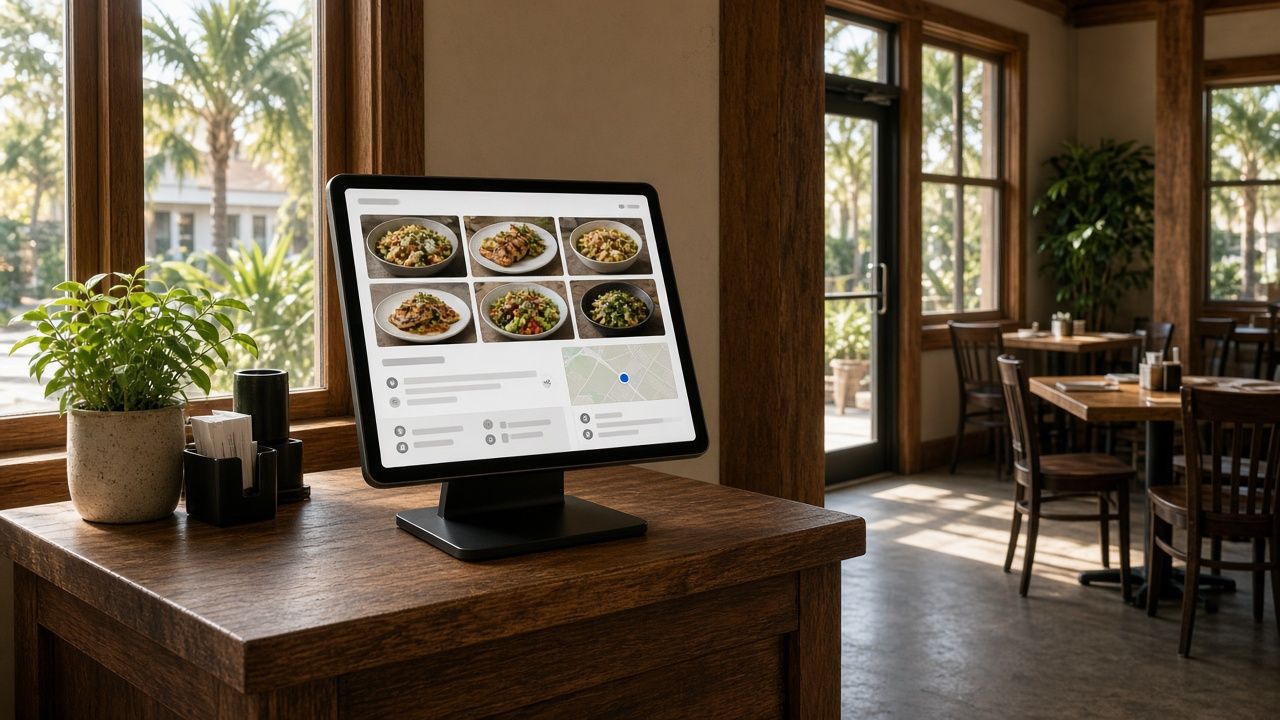
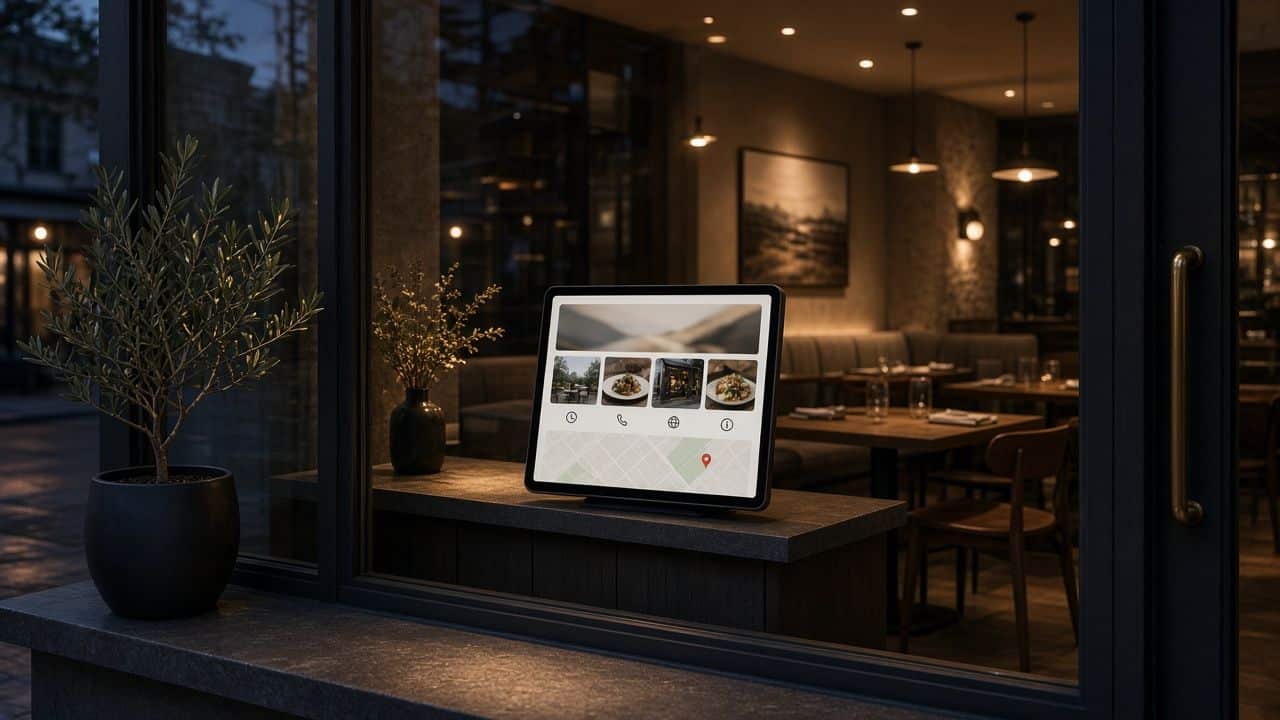
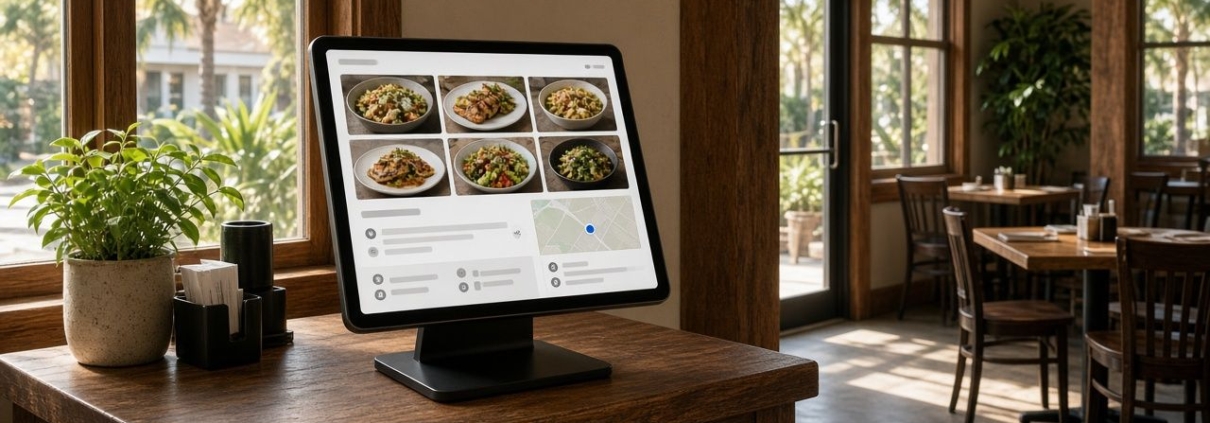
Google Business Profile restaurant checklist shown on a tablet at a Tampa restaurant host stand

This checklist walks through the parts of a Google Business Profile that matter most for restaurants, with notes specific to Tampa. Work through it once to clean up your profile, then use the maintenance section to keep it in shape. If you want to understand how the profile affects map rankings, read our companion guide on how Tampa restaurants can get into the Google Maps 3-pack.

1. Ownership and verification

  • Confirm you control the profile. Search your restaurant name on Google while signed in. If you see the option to manage the profile, you have access. If not, request access or claim it.
  • Use a business-owned Google account. Avoid tying the profile to a former manager’s personal email. Add trusted team members or your agency as managers instead of sharing passwords.
  • Complete verification. Google may ask for a video showing your signage, interior and proof of management. Have your storefront sign, kitchen or point-of-sale system and a business document ready.
  • Look for duplicates. Old listings from a previous owner, a former address or a typo in the name can split your reviews and confuse Google. Report or merge duplicates.

2. Name, categories and description

  • Use your real business name. Do not add keywords like “Best Tampa Seafood” to the name. Google’s guidelines prohibit it, and competitors can report it.
  • Choose the most specific primary category. “Cuban restaurant” or “Seafood restaurant” usually works better than plain “Restaurant.” The primary category is one of the strongest signals for which searches you appear in.
  • Add relevant secondary categories. If you also run a bar, a bakery counter or a catering service, add those, but only if they genuinely describe what you do.
  • Write a helpful description. Explain your cuisine, atmosphere and neighborhood in plain language. Mention what makes you different: a waterfront view, a family recipe, a late-night kitchen, live music. Skip prices and promotional claims you cannot back up.

3. Address, map pin and service options

  • Match your address exactly. Use the same format, including suite numbers, everywhere online.
  • Check the map pin. Zoom in on Google Maps and make sure the pin sits on your actual entrance. This matters in food halls, shopping centers and places like Ybor City or Water Street where buildings and entrances can be confusing.
  • Set service options. Mark dine-in, takeout, delivery, curbside and outdoor seating accurately.
  • Add parking and accessibility attributes. Tampa diners often want to know about parking before they go, especially in SoHo, Hyde Park and downtown. Attributes for wheelchair access, restrooms and parking options help guests plan.

4. Hours, including special hours

  • Set regular hours by day. If the kitchen closes before the bar, say so in your description or on your website.
  • Add special hours ahead of time. Holidays, Gasparilla, big game days at Raymond James Stadium and private events all change hours. Updating them in advance prevents frustrated guests and bad reviews.
  • Plan for storms. During hurricane season, use special hours or mark the restaurant as temporarily closed if you shut down, and update it again when you reopen. Do not mark the business as permanently closed by mistake.
  • Keep hours in sync. Your website, Instagram, delivery apps and reservation platform should all match your Google hours.
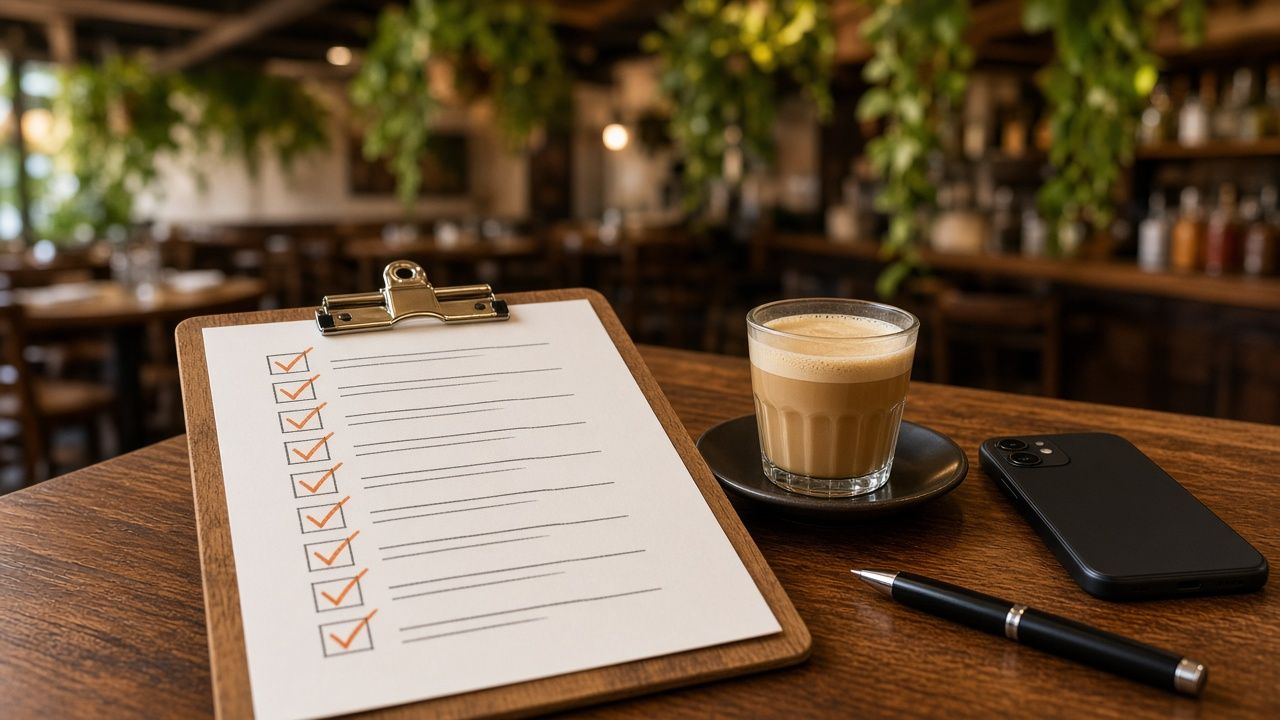
Restaurant Google listing checklist on a clipboard with a cortadito on a Tampa bar counter

5. Menu, ordering and reservations

  • Add a menu link. Point it to a real menu page on your website rather than a PDF or a third-party page that may go out of date. Our guide on PDF menus vs. HTML menus for restaurant SEO explains why.
  • Review menu items Google shows. Google may display menu information from your profile, your website or photos. Check it regularly and correct anything outdated.
  • Set your ordering and reservation links. Make sure “Order online” and “Reserve a table” go to the provider you actually use, and remove old ones.
  • Watch for unwanted third-party links. If a delivery service you do not work with appears, review the ordering settings and remove or deprioritize it where Google allows.

6. Photos and video

  • Upload a strong set of photos. Include your exterior and signage so people recognize the building, the dining room and patio, your best dishes, drinks and any view.
  • Keep them current. Add new photos when you change the menu, renovate or start a seasonal special.
  • Use real photos. Avoid stock images. Guests want to see the actual food and space.
  • Add short videos. A quick clip of the room on a busy night or a dish coming out of the kitchen gives guests a feel for the experience.

7. Reviews

  • Ask happy guests for reviews. Share your review link on receipts, table cards or follow-up emails. Ask everyone, not just the guests you expect to be positive.
  • Never offer incentives or buy reviews. Discounts or freebies in exchange for reviews break Google’s policies, and fake reviews can violate FTC rules.
  • Respond to every review. Thank people for positive reviews. Respond calmly and professionally to negative ones, and take detailed conversations offline.
  • Report reviews that break the rules. If you get spam or fake reviews, flag them. Our guide on how to handle fake Google reviews walks through the process, and our restaurant reputation management in Tampa service can handle it for you.

8. Posts and updates

  • Post regularly. Use Google posts for new menu items, weekly specials, events, live music and holiday hours.
  • Use photos with every post. Posts with appetizing images are more likely to catch attention.
  • Tie posts to Tampa moments. Gasparilla specials, game-day menus, Restaurant Week participation if you take part, and snowbird-season events give guests a reason to visit now.

9. Connect your profile to your website

Your Google profile and your website should support each other. Make sure the website link goes to the right page (for multi-location restaurants, each location’s own page), that your website shows the same name, address, phone and hours, and that your site uses restaurant schema markup. A fast, mobile-friendly site helps here, which is why we build every project through our restaurant website design in Tampa process with these details built in.

Monthly maintenance checklist

  1. Check hours and add special hours for upcoming holidays and events.
  2. Upload a few new photos.
  3. Publish at least a couple of posts.
  4. Respond to all new reviews.
  5. Review your menu, ordering and reservation links.
  6. Look for edits suggested by Google or the public and approve or reject them.
  7. Review your performance data: calls, direction requests, website clicks and searches.
Morning light sweeping across a restaurant host stand with a tablet showing a business listing.

When to get help

Many owners can handle this checklist themselves. If you are short on time, have multiple locations or are dealing with suspensions, duplicate listings or review problems, it can make sense to bring in help. Our local SEO services in Tampa and broader restaurant marketing in Tampa include profile management. South Tampa restaurants can also see our page on restaurant SEO in South Tampa.

Google Business Profile FAQs

How often should a restaurant update its Google Business Profile?

Check it at least monthly and any time your hours, menu or services change. Adding photos and posts regularly also shows guests that the restaurant is active.

Can I add keywords to my restaurant’s name on Google?

No. Google’s guidelines require your real-world business name. Adding keywords can lead to suspension, and it is not worth the risk.

Why did someone else change my restaurant’s hours on Google?

Google allows the public to suggest edits, and sometimes it applies them automatically. Check your profile regularly and correct any edits that are wrong.

Does my Google profile help my website rank?

They help each other. A complete profile helps you appear in map results, and a strong website with matching information gives Google more confidence in both.

Need a hand with your profile?

If you would rather have someone else run through this checklist for your restaurant, we are happy to help. Call Brian at 609-827-2645, email brian@ignitedesigngroup.com, or contact Ignite Design Group.
PDF Menu vs. HTML Menu: What’s Better for Restaurant SEO?

Almost every restaurant website has a menu, and a surprising number of them are PDFs. It is easy to see why. The menu already exists as a print file, so uploading it takes a minute. But for guests on phones and for Google, how your menu is published can make a real difference. This guide explains how PDF and HTML menus compare for restaurant SEO, guest experience and day-to-day management, with practical advice for Tampa restaurant owners.

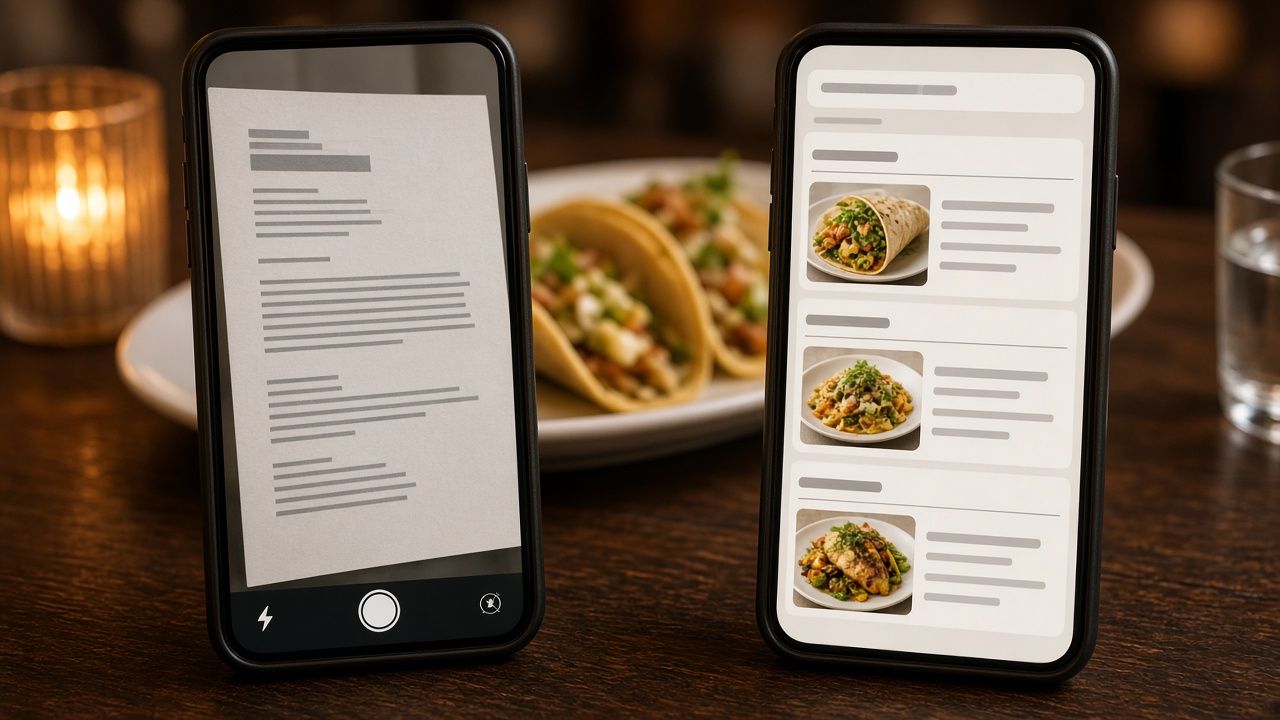
Restaurant menu SEO comparison of a PDF menu and an HTML menu on two phones

What is the difference?

A PDF menu is a document file, usually exported from the same design software used for the printed menu. Guests open or download it, then pinch and zoom to read it. Some restaurants go a step further and upload a photo or scan of the paper menu, either as an image or as an image inside a PDF.

An HTML menu is a normal web page. Dish names, descriptions, prices and sections are written as text on the page, styled to match your website. It resizes to fit any screen and loads like any other page.

Some restaurants use a third type: a menu hosted on an ordering or reservation platform. That can work, but it puts your menu content on someone else’s website instead of yours.

How Google handles each format

Google can crawl and index text-based PDFs, so a PDF menu is not invisible. But there are several reasons an HTML menu usually serves you better.

  • Image-only menus give Google little to read. If your PDF is a scan or a photo, the dish names are pixels, not text. Google may try to interpret images, but you should not rely on it to understand your menu that way.
  • PDFs are separate files. A PDF lives outside your site’s navigation, design and internal links. When a guest lands on it from search, there is no menu bar, no reservation button and no easy way back to your homepage.
  • HTML pages connect to the rest of your site. An HTML menu can link to catering, private events, online ordering and your location page, and those pages can link back. That structure helps search engines understand your site.
  • HTML supports structured data. Schema.org includes Menu, MenuSection and MenuItem types, and restaurant schema can point to your menu page. Google does not promise a special search feature for this markup, but structured data helps describe your content clearly.
  • Dish-level searches. People search for specific dishes: “grouper sandwich Tampa,” “birria tacos near me,” “gluten-free pizza South Tampa.” When those dish names and descriptions are plain text on a page, it is easier for search engines to connect them to your restaurant.

The guest experience on a phone

Most menu views happen on phones, often while someone is deciding between a few options. A PDF menu designed for an 11 by 17 inch sheet becomes a tiny, awkward document on a phone screen. Guests have to zoom and scroll sideways, and large PDFs can be slow to load on a cellular connection, whether someone is waiting at a light on Dale Mabry or standing outside a busy bar in Ybor City.

An HTML menu fits the screen. Sections can be tapped or jumped to, text is readable without zooming, and buttons for ordering, calling or booking can sit right beside the dishes. For a hungry guest, that is the difference between choosing you and going back to the search results.

Restaurant menu SEO paper menu beside a laptop showing HTML menu code

Accessibility

Accessible menus help guests who use screen readers, larger text settings or other assistive tools. HTML text works with those tools by default when it is built properly. Scanned or image-based PDFs often cannot be read by screen readers at all, and even text PDFs need extra work to be properly tagged. An accessible menu is the right thing to do for guests, and it reduces risk for your business.

Keeping the menu up to date

Restaurants change menus constantly. Prices move, seasonal dishes come and go, and the kitchen runs out of things. With a PDF, every change means editing the design file, exporting it and re-uploading it, and old versions sometimes stay live at their old addresses where Google can still find them.

A well-built HTML menu on WordPress can be updated in a few minutes by someone on your team: change a price, mark an item as sold out or add a new special. When we build menus as part of our restaurant website design in Tampa, we set them up so owners and managers can edit them without touching code.

Keeping one accurate menu also helps with consistency. Your Google Business Profile menu link, your Instagram bio and your delivery listings can all point to the same up-to-date page. Our Google Business Profile checklist for Tampa restaurants covers how to connect that menu to your profile.

When a PDF still makes sense

PDFs are not useless. They can be helpful as a secondary option for:

  • Catering and private event packages that people want to print or share with a group
  • A downloadable version of the full menu for guests who prefer it
  • Wine lists or seasonal menus that change on a fixed schedule

The key is to offer the PDF in addition to an HTML menu, not instead of one. Make sure it is text-based rather than scanned, give it a descriptive file name, and link to it from the HTML menu page.

How to switch from a PDF menu to an HTML menu

  1. Gather your current menu. Start from the most recent design file or text, not a scan.
  2. Organize sections. Group dishes the way guests think about them: starters, mains, sides, desserts, drinks, brunch, happy hour.
  3. Write short, clear descriptions. Mention key ingredients, preparation and dietary notes like vegetarian or gluten-free where accurate.
  4. Build the page. Use proper headings for sections and a clean, mobile-friendly layout. Add schema markup for your restaurant and menu.
  5. Add action buttons. Place order, reserve and call buttons near the top and bottom of the menu.
  6. Redirect old PDF links. If old menu PDFs are indexed, redirect them to the new menu page or replace them with the current version so guests do not see outdated prices.
  7. Update every menu link. Point your Google profile, social bios and other listings to the new page.
A phone on a restaurant table scrolling a clean mobile menu with dish photos by candlelight.

Menus are one piece of restaurant SEO

A crawlable menu helps, but it works best alongside a complete Google profile, strong reviews and a fast website. If you want the bigger picture, read our guide on getting into the Google Maps 3-pack, or see how we approach restaurant SEO in South Tampa and restaurant SEO in Seminole Heights. If your site itself is the problem, our website redesign in Tampa service can rebuild it without losing the rankings you already have.

Restaurant menu SEO FAQs

Can Google read my PDF menu?

Google can index text-based PDFs, but scanned or image-only PDFs give it very little readable text. Even text PDFs are usually a weaker experience for guests on phones than an HTML menu page.

Should I include prices on my online menu?

Many guests want to see prices before they visit, and including them can reduce surprises. If prices change often, an HTML menu makes them easier to keep current.

Is a menu on a delivery app enough?

It helps guests who order through that app, but it lives on someone else’s site. Having your own menu page gives you control and gives Google a reason to send diners to your website.

Do I need menu schema markup?

It is not required, and Google does not guarantee a special display for it. It is a low-cost way to describe your restaurant and menu clearly to search engines, so we include it on the menus we build.

Want help updating your menu page?

If your menu is still a PDF or a photo, we can turn it into a fast, search-friendly page. Call Brian at 609-827-2645, email brian@ignitedesigngroup.com, or contact Ignite Design Group.
How to Handle Fake Google Reviews: A Guide for Tampa Restaurants

Almost every restaurant owner eventually reads a review and thinks, “That person was never here.” Maybe it describes a dish you have never served, mentions a visit on a day you were closed, comes from an account that left one-star reviews for every restaurant on your block in the same afternoon, or seems to be about a different business entirely. Fake and unfair reviews are frustrating, and in a competitive dining city like Tampa they can cost you real guests.

Flagging a fake Google review for a Tampa restaurant on a laptop in a back office

This guide walks through what counts as a fake review, how to report one to Google, how to respond in the meantime, and how to protect your restaurant’s reputation over the long run. It is written for owners and managers who want to handle it the right way, without making things worse.

First, separate fake reviews from bad reviews

Not every negative review is fake. A guest who waited 45 minutes on a Saturday night and wrote about it is giving you real feedback, even if it stings. Google will not remove honest negative reviews just because a business disagrees with them, and trying to get them removed can waste time you could spend responding well.

Reviews that may violate Google’s policies include:

  • Fake engagement. Reviews that do not reflect a genuine experience, such as reviews from people who were never customers, bulk reviews from coordinated accounts, or reviews posted for pay.
  • Conflicts of interest. Reviews from competitors, current or former employees, or anyone with a reason to harm your business.
  • Off-topic content. Reviews that are about politics, social commentary or something unrelated to an actual experience at your restaurant.
  • Harassment, hate speech or obscene content. Abusive or threatening language, or personal attacks on staff.
  • Wrong business. Reviews clearly meant for another restaurant, which happens more often than you might think in dense areas like Ybor City or Water Street where several places share a block.
  • Personal information. Reviews that share private details about staff or other guests.

Signs a review might be fake

No single sign proves a review is fake, but a combination of them is worth documenting:

  • The reviewer has no profile history, or has left many one-star reviews for competing restaurants in a short time.
  • The review mentions dishes, staff or features you do not have.
  • The described visit falls on a date or time you were closed.
  • You cannot match the visit to any reservation, order or receipt.
  • Several similar reviews appear within hours or days of each other.
  • The wording is vague and generic, or almost identical to other reviews.

Keep notes and screenshots. If you need to escalate, a clear record of dates, details and patterns makes your case much stronger.

How to report a review to Google

You can flag a review from your Google Business Profile or from Google Maps. The exact menus change from time to time, but the process generally looks like this:

  1. Open your business profile while signed in to the Google account that manages it.
  2. Go to your reviews and find the review in question.
  3. Click the three-dot menu next to the review and choose the option to report it.
  4. Select the reason that best matches the policy violation, such as conflict of interest, off-topic or spam.

Google also offers a reviews management tool where business owners can check the status of reports they have made and, in some cases, request a second look if a report is denied. Be specific and factual when you have the chance to explain. Google makes the final decision, and not every report results in removal.

If you see a sudden wave of suspicious reviews, sometimes called review bombing, report each one and document the timeline. Google sometimes limits new reviews on a listing during unusual activity.

Responding to restaurant reviews on a phone at a Tampa patio table with empanadas

How to respond publicly while you wait

Even if you have reported a review, it may stay up for days or permanently. A calm public response protects you, because future guests read your reply as much as the review. A good response to a suspected fake review:

  • Stays polite and brief. Never argue, insult or accuse the reviewer of lying.
  • States the facts neutrally. For example: “We could not find any record of a visit matching this description, and we do not serve the dish mentioned.”
  • Invites the person to contact you directly so you can make it right if there was a real visit.
  • Does not include private information about the reviewer or any guest.

For genuine negative reviews, thank the guest, acknowledge the problem, explain what you are doing about it if appropriate, and invite them back. Readers notice when a restaurant takes feedback seriously.

What not to do

  • Do not post fake positive reviews to balance things out. It violates Google’s policies, can get your listing penalized, and fake reviews and testimonials are prohibited under the Federal Trade Commission’s rule on consumer reviews.
  • Do not offer discounts or freebies for reviews. Incentivized reviews are against Google’s rules.
  • Do not ask only your happiest guests for reviews. Selectively soliciting positive reviews, sometimes called review gating, is discouraged by Google.
  • Do not threaten reviewers. Pressuring someone to remove a review can create legal and reputational problems, and the FTC rule also addresses review suppression.
  • Do not hire anyone who promises guaranteed removal. Nobody outside Google can guarantee that a review will be taken down.

Build a reputation that can absorb a bad review

The best defense against fake reviews is a steady flow of genuine ones. A restaurant with a long history of recent, detailed reviews from real guests is far less affected by one unfair one-star rating than a restaurant with only a handful of reviews. Make reviewing easy for every guest with a short link or QR code, respond to everything, and keep your Google profile active with fresh photos and posts.

Reviews also feed into local rankings. Our guide on ranking a Tampa restaurant in the Google Maps 3-pack explains how reviews fit into the bigger picture of local visibility, and our Tampa local SEO page covers the full service.

Other review platforms

Yelp, TripAdvisor and Facebook each have their own reporting tools and content guidelines. Yelp, for example, uses automated software to decide which reviews it recommends, and it discourages businesses from asking customers for reviews at all. The same principles apply everywhere: document the problem, report through official channels, respond professionally and focus on earning real feedback.

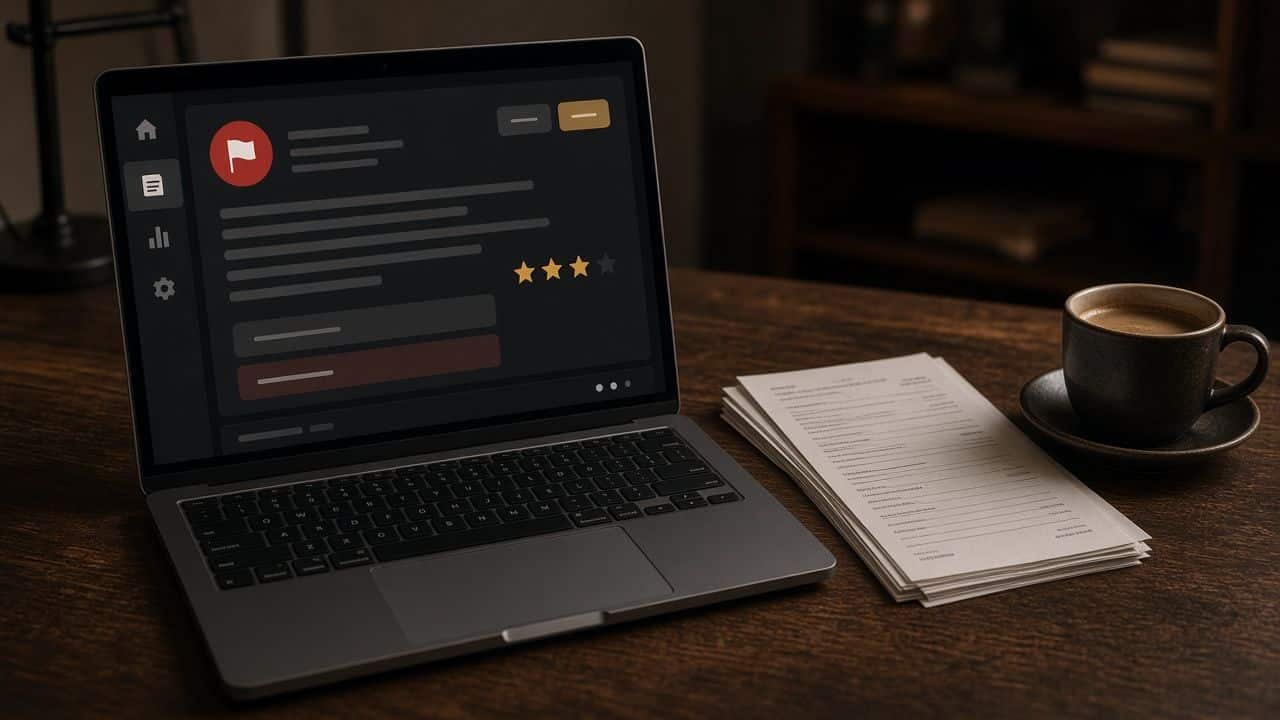
A laptop in a restaurant back office showing a review moderation screen with a red flag icon.

Frequently asked questions

Can Google remove a fake review?

Yes, if Google determines that the review violates its policies. Business owners can report reviews, but Google decides whether to remove them, and genuine negative reviews generally stay up.

How long does Google take to review a report?

It varies. Some reports are handled within days and others take longer. You can track the status of reports through Google’s reviews management tool.

Should I reply to a review I think is fake?

Usually yes. A short, polite, factual reply shows future guests that you are attentive and professional, even if the review stays up.

Can I get help managing reviews?

Yes. Our restaurant reputation management service handles monitoring, responses, policy-based reporting and compliant review invitations for restaurants across Tampa Bay.

Need a hand with your restaurant’s reviews?

Ignite Design Group is a Lutz-based Tampa Bay agency that helps restaurants manage their reputation, restaurant marketing and social media management. Call 609-827-2645, email brian@ignitedesigngroup.com, or reach out here.

How Tampa Restaurants Can Get Into the Google Maps 3-Pack

Search for “restaurants near me” from almost anywhere in Tampa and Google usually shows a map with a short list of restaurants underneath it, before any regular website results. That block is commonly called the local pack or the 3-pack, because it typically highlights three businesses. For restaurants, it is some of the most valuable space on the internet. A hungry person on a phone often picks from those few options and never scrolls further.

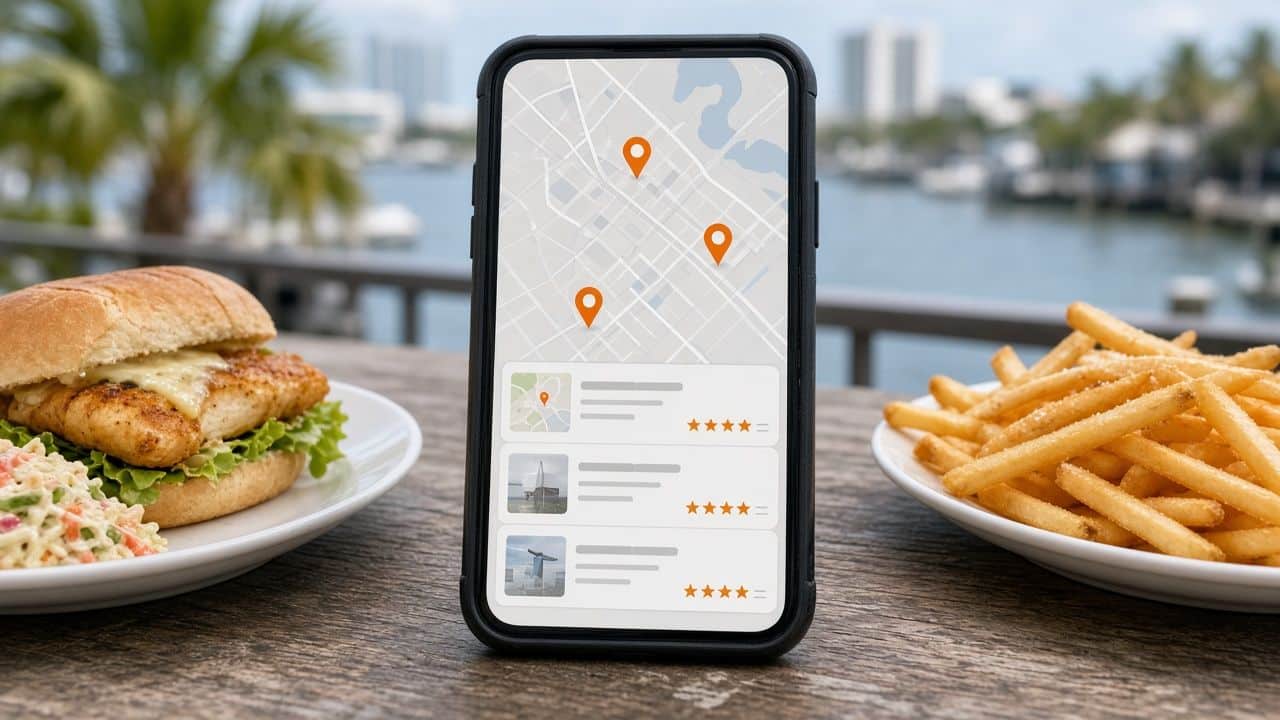
Google Maps 3-pack Tampa restaurants shown on a phone between a grouper sandwich and fries

This guide explains how the 3-pack works, what Google says it looks at, and the practical steps a Tampa restaurant can take to improve its chances of showing up there. None of it requires tricks. It requires accurate information, consistent effort and a real understanding of how people in Tampa search for food.

What the Google Maps 3-pack actually is

The 3-pack is a set of Google Business Profile listings shown with a map for searches that have local intent. It appears for obvious searches like “pizza near me,” and also for searches like “Cuban sandwich Tampa,” “brunch South Tampa” or “seafood restaurant Channelside.” Each listing shows the name, rating, review count, category, price level, hours, and often a photo or a snippet from a review. Tapping a listing opens the full profile with directions, the menu, photos and a button to call, order or reserve.

The results are personal. Google adjusts them based on where the searcher is, what they typed and sometimes how they have searched before. That means there is no single “rank” for your restaurant. You might be in the 3-pack for people standing in Hyde Park and not for people in Westshore, even for the same search.

The three things Google says it looks at

Google’s own guidance says local results are based mainly on three factors: relevance, distance and prominence. Understanding each one makes it clearer what you can and cannot control.

Relevance

Relevance is how well your listing matches what someone searched for. Google reads your business categories, your description, your menu, your attributes, your photos, your reviews and your website to decide whether you are a good answer to “tapas,” “vegan brunch” or “late-night food.” The more complete and specific your information is, the more searches you can be relevant for.

Distance

Distance is how far your restaurant is from the searcher, or from the location named in the search. You cannot move your building, and that is fine. What you can do is make sure your address and map pin are exactly right, and that your website and listing clearly state the neighborhood you are in so Google matches you to searches like “restaurants in Seminole Heights” even when the searcher is somewhere else.

Prominence

Prominence is how well known and trusted your restaurant appears to be. Google considers things like the number and quality of your reviews, mentions and links from other websites, and how established your presence looks across the web. A restaurant that has been written about by local media, listed on reputable food sites and reviewed often by real guests tends to look more prominent.

Step 1: Claim, verify and complete your Google Business Profile

Everything starts with a verified Google Business Profile. Once you have it, fill in every relevant field:

  • Business name. Use your real name as it appears on your signage. Adding extra keywords to your name, like “Best Tampa Seafood,” violates Google’s guidelines and can get your listing suspended.
  • Primary category. Choose the most specific category that describes what you are best known for, such as “Cuban restaurant” or “Seafood restaurant” rather than just “Restaurant.” Add secondary categories for other genuine offerings, like “Bar” or “Brunch restaurant.”
  • Hours and special hours. Keep regular hours accurate and set special hours for holidays, Gasparilla weekend, game nights or any time your schedule changes.
  • Menu and links. Add your menu and link to your online ordering and reservation pages.
  • Attributes. Outdoor seating, dog-friendly, live music, vegetarian options, accessibility and more. These help you match specific searches.
  • Description. Write a natural description of your restaurant, cuisine and neighborhood.

Step 2: Make your website back up your listing

Google uses your website to confirm and expand on what your listing says. A strong restaurant website for local search should include:

  • Your name, address and phone number in text, matching your listing exactly.
  • A text-based menu that Google can read, not only a PDF or an image.
  • Your neighborhood and nearby landmarks mentioned naturally, for example “two blocks from the Riverwalk” or “on 7th Avenue in Ybor City.”
  • Restaurant schema markup with your cuisine, hours, address and menu link.
  • Fast load times on mobile, since most local searches happen on phones.

If your current site is missing these, our restaurant website design service in Tampa is built around exactly these needs.

Google Business Profile listing for a Tampa restaurant on a tablet in the front window

Step 3: Earn reviews the right way

Reviews influence both prominence and whether someone taps your listing. Focus on steady, genuine reviews from real guests:

  • Ask every guest, not just the ones who seem happy. Google does not allow selectively asking only satisfied customers or offering incentives in exchange for reviews.
  • Make it easy with a short link or QR code on receipts, table tents or follow-up messages after online orders.
  • Respond to every review, positive or negative, politely and specifically. Responses show both Google and future guests that you are active and care.
  • Never buy reviews, post reviews yourself or ask staff and family to review you. Beyond breaking Google’s rules, fake reviews are prohibited under federal rules enforced by the FTC.

If you are dealing with reviews that look fake or unfair, read our companion guide on how Tampa restaurants can handle fake Google reviews. For ongoing help, see our restaurant reputation management service.

Step 4: Keep your profile active with photos and posts

Listings with current photos give guests a reason to choose you. Upload clear photos of your dishes, drinks, dining room, patio and storefront, and add new ones regularly as your menu changes. Google posts let you share specials, events and seasonal menus directly on your profile. They are a simple way to show you are open and active, especially before busy periods like holiday weekends or big events downtown.

Step 5: Build consistent citations and local mentions

Citations are mentions of your restaurant’s name, address and phone number on other sites, like Yelp, TripAdvisor, Apple Maps, Bing Places, food delivery apps and local directories. Inconsistent information, such as an old phone number or a former address, can confuse both search engines and guests. Clean up the listings you have, then add your restaurant to reputable food and local sites. Mentions from local media, event pages and neighborhood guides can also help build prominence.

Step 6: Think in neighborhoods

Tampa diners often search by neighborhood. People look for “dinner in Hyde Park,” “Ybor City restaurants,” “Channelside bars” or “Seminole Heights brunch.” Mention your neighborhood clearly on your website and in your Google description, and consider content that helps visitors plan, such as parking tips or what is nearby. You can see how we approach this in our page on restaurant SEO in Seminole Heights, where independent restaurants compete on the same few blocks.

Common mistakes that hold Tampa restaurants back

  • Two or more Google listings for the same location, often left over from a previous owner or an old address.
  • Hours that are wrong on holidays or after a schedule change.
  • A generic “Restaurant” category when a more specific one fits.
  • A menu that only exists as a photo or a PDF.
  • Months of unanswered reviews.
  • Keyword-stuffed business names, which risk suspension.
Three map pins dropping onto a phone map on a Tampa waterfront restaurant table.

Frequently asked questions

How long does it take to get into the Google Maps 3-pack?

There is no fixed timeline. Fixing listing errors can help quickly, while building reviews and prominence takes ongoing effort over months. Results also vary by neighborhood and by how competitive your cuisine is.

Can I pay Google to be in the 3-pack?

You can run Google Ads that appear in or near map results and are labeled as sponsored, but the regular 3-pack listings cannot be bought. Many restaurants use both. Learn more about Google Ads management.

Why do I show up in the 3-pack for some people and not others?

Because results depend on the searcher’s location and the exact words they use. You may rank well near your restaurant and less well across town. That is normal.

Does my website really matter for map rankings?

Yes. Google uses your website to confirm your information and understand what you offer, and many guests check your site before they decide. A clear, fast, accurate site supports your listing.

Want help getting your restaurant into the 3-pack?

Ignite Design Group is a Tampa Bay agency based in Lutz that helps restaurants with local SEO in Tampa, websites, reviews and social media. Call 609-827-2645, email brian@ignitedesigngroup.com, or contact us to talk through where your restaurant stands.