game day restaurant marketing Tampa

Tampa has two major event venues that change how nearby restaurants live and die on certain nights. Raymond James Stadium, near the Dale Mabry corridor and Westshore, hosts home football games and large events. Amalie Arena, in the Channelside and Water Street area, hosts hockey and concerts. On those days the usual rules shift. Guests arrive earlier, parking becomes the first question, hours matter more than usual and a restaurant’s Google profile can decide whether a hungry group walks in or keeps driving.
game day restaurant marketing Tampa

This guide covers practical game-day and event-night marketing for Tampa restaurants. It uses no invented statistics, and it assumes you check official event calendars yourself, because schedules and kickoff times change. Use it as a starting point for game day restaurant marketing Tampa operators can adapt to their own kitchens.

Know what kind of event day it is

Not every event day is the same. A midday kickoff creates a brunch and tailgate-adjacent rush, an evening game or concert creates an early dinner wave and a late postgame crowd, and a weeknight arena event may mostly bring people who want a quick meal and an easy exit. The first step is deciding which of those you want to serve. A restaurant near the arena may want pre-event reservations and fast service. One farther away may prefer postgame groups who want a place to sit and talk.

It also matters whether you want event crowds at all. Some restaurants earn more by protecting their regular guests and limiting menus on busy nights. That is a legitimate choice, as long as the marketing tells guests what to expect.

Make your Google profile event-ready

Before an event, check hours, phone number, address, attributes and photos. Update special hours for the day, including early openings or late closes. Post an update that says plainly what is happening: “Open at 11 for game day,” “Kitchen closes at 9,” or “Reservations recommended before the show.” Add recent photos of the dining room and patio. For the full approach, see our Google Business Profile checklist.

If you do not take reservations, say how waits work. If you have a limited event menu, link to it. Clear information turns anxious drivers into confident guests.

Answer the parking and walking questions

On event days, parking is often the deciding factor. If you have a lot, say whether it is for guests only and whether time limits are enforced. If you do not, give an honest walking description, such as “about a ten-minute walk from the arena” only if you have actually checked it, or point guests to nearby official parking options. Avoid suggesting parking arrangements you do not control, because towing and confusion hurt both guests and neighbors.

Put that information in three places: your Google profile, your website’s location page and a pinned social post. Duplicating the facts keeps guests from having to search for them.
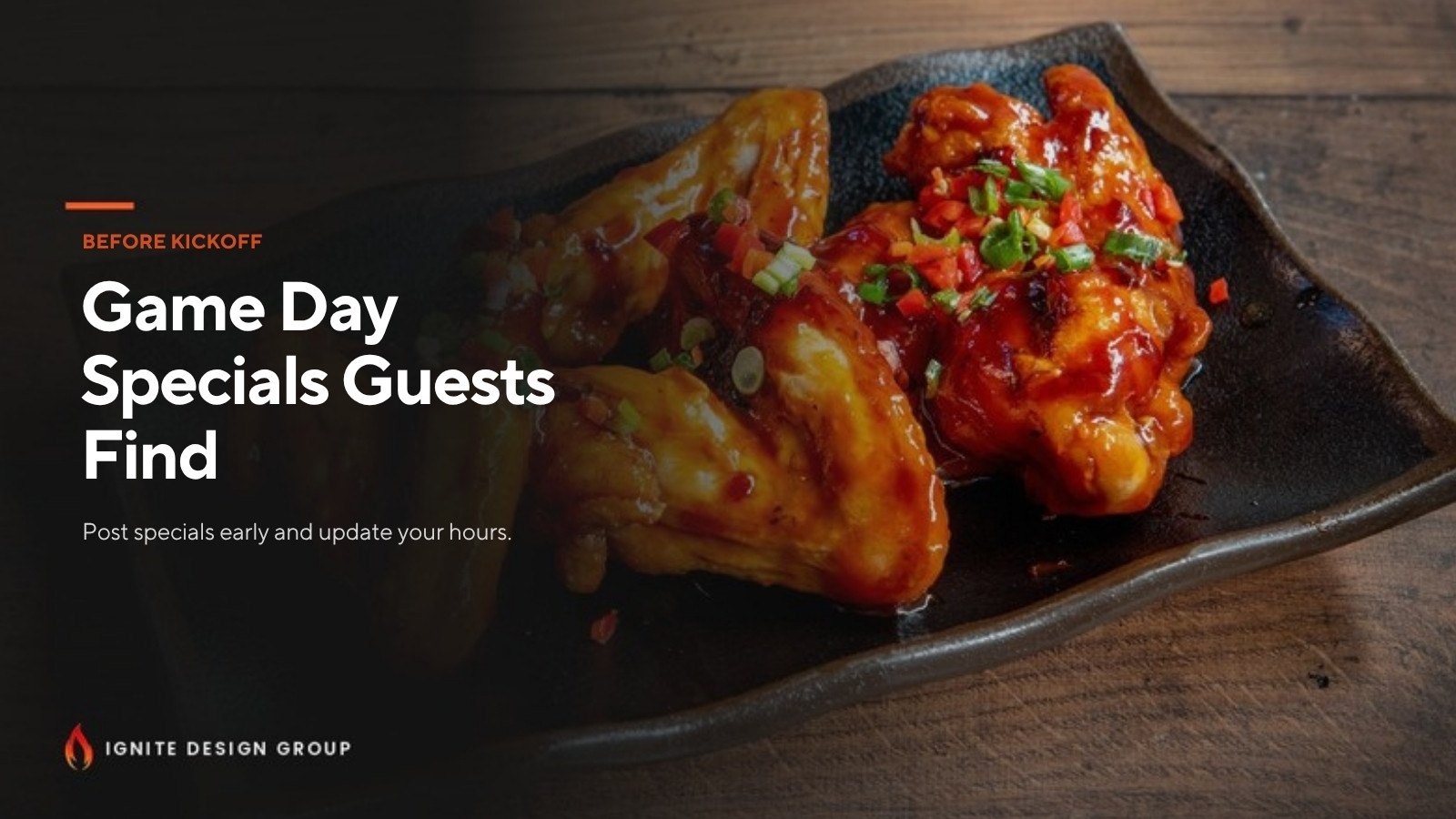
Plate of glazed chicken wings promoted as a game-day restaurant special

Plan a simple event menu and staffing level

Event days reward restaurants that can serve quickly. A short menu, pre-batched sauces and a pickup shelf can protect speed. Marketing should match the menu. If you offer a game-day special, post it with a clear time window and an honest price only if the price is final. Avoid promises you cannot keep, such as “no wait,” and focus on facts such as “reservations open” or “takeout window available.”

If you add staff for the day, brief them on common questions: parking, restrooms, cutoff times and how to handle a large group. Reviews after event nights often mention service speed and clarity more than flavor.

Use social media with a short window

Social posts for game days work best when posted a day ahead and again the morning of the event. Show the real space, a menu board and an arrival tip. Tampa audiences respond to local touches, so mention the event by name only in a descriptive way and avoid logos or branding that belongs to the venue, team or league. Do not use team marks without permission. A caption like “Open early for Sunday’s home game” is accurate and safe.

For Instagram and short video ideas, review TikTok for Tampa restaurants, which shares approaches that translate to event days.

Handle reviews after a big night

Large crowds create more reviews, and some will be critical. Reply within a day or two, stay calm and be specific. If there was a long wait, acknowledge it without excuses and explain what you are changing. If the review is unfair or violates Google’s policies, report it rather than arguing publicly. For help, see how to respond to negative restaurant reviews.

Event-day checklist

  • One week before: confirm event times, update special hours and prepare photos.
  • Two days before: post an announcement with parking and reservation details.
  • Day of: post a quick update and confirm the profile is accurate.
  • After the event: reply to reviews and note what worked for next time.

Connect event marketing to your broader plan

Event days are exciting, but they work best on top of strong everyday foundations. Explore restaurant marketing in Channelside, local SEO in Westshore and restaurant marketing in Tampa. For another seasonal surge, read about Gasparilla season marketing.

A note on realistic expectations

Event nights can be very good for a restaurant, but not every business benefits equally. Distance from the venue, parking, kitchen capacity and your regular customers all matter. Start small: update your hours, post once or twice and watch what happens before you commit to a bigger event menu or extra staff. Track what worked in simple notes, so the next event day is easier to plan. Neighborhood restaurants near the water or the stadium corridor can start with restaurant marketing on Davis Islands, Palma Ceia or Tampa Heights.

Game day restaurant marketing FAQs

Should I use team names or logos in my posts?

Be careful. Describe the event plainly, such as “home game day,” and avoid using team or league logos without permission.

Do I need special hours on event days?

If your hours change, yes. Update Google special hours and post a short notice so guests are not surprised.

How early should I post about an event?

A day or two ahead and again on the morning of the event usually works, with practical details like parking and reservation information.

Can I offer a limited menu on busy nights?

Yes. A shorter menu can improve speed, as long as you tell guests what to expect.

Need help planning event-day marketing?

Call Brian at 609-827-2645, email brian@ignitedesigngroup.com, or contact Ignite Design Group.
multi-location restaurant SEO

A franchise restaurant with one location has one Google profile to manage. A franchise restaurant with five Tampa Bay locations has five profiles, five sets of hours, five review streams and five sets of neighbors comparing it with every other pizza, burger or taco option within a few miles. Multi-location restaurant SEO is the discipline of keeping all of that accurate, distinct and manageable without letting any single location fall through the cracks.

multi-location restaurant SEO

This guide is written for franchisees and multi-unit operators in Tampa Bay who control the local side of marketing. It assumes you follow your franchisor’s brand rules, and it avoids the shortcuts that tend to backfire, such as copy-pasting one description across every profile.

Why each location needs its own identity

Google does not rank a brand. It ranks a place. When someone searches “chicken sandwich near me,” Google looks at which location is close, relevant and trusted, not which logo is largest. That means each restaurant needs its own Google Business Profile with its own address, phone number, hours, photos and reviews. A shared corporate phone line or a single profile covering several addresses will confuse both customers and the search engine.

Distinct does not mean disconnected. All locations should share the brand name format your franchisor requires and stay consistent with it. The distinct parts are the details a guest actually experiences: the parking lot, the neighborhood, the hours, the team and the photos of that specific dining room.

Step one: audit every location the same way

Start by building a simple spreadsheet with one row per location. Record the exact name, street address, suite number, phone, website link, primary category, listed hours, holiday hours, menu link and the dates of the last photo and post. Check what Google shows publicly, not what you think you entered. Then compare against the franchisor’s store locator, your own website and major directories. Differences are where trouble starts, and they are common after a move, a phone change or a transfer of ownership.

Our guide to NAP consistency explains why a mismatched suite number or a retired phone number can quietly undermine trust signals.

Step two: set up a repeatable profile standard

Create a short written standard that every location follows. It should cover categories, how to describe the restaurant, how to list service options such as dine-in, takeout and delivery, how to handle holiday hours and what photos to upload. A standard saves time and prevents one location from having a complete profile while another has a blurry photo from a phone camera three years ago. Our Google Business Profile checklist is a good starting point.

Then add the local layer. Each description should mention the neighborhood or corridor, not just the city. A location near a busy shopping center, a university or a hospital serves a different crowd from one on a quiet residential road, and the profile should reflect that honestly.

Step three: build location pages, not one page for everyone

Many franchisor websites offer a single page per location with an address and a map. That is a useful minimum but rarely enough on its own. If you control a local website or a landing page, give each location a unique page that includes the address, hours, parking notes, a short description of the neighborhood, the local team and the actual menu or ordering link. Avoid duplicating the same paragraph across pages with only the city swapped, because it adds little value for customers or search engines.

Tropical restaurant patio with thatched umbrellas, representing consistent listings for every location

Where you cannot change the franchisor’s site, you can still strengthen the Google profile and local listings and make sure they link to the correct location page. If brand rules limit what you can publish, ask your franchisor what local content is permitted. Many systems allow local blog posts, event pages or community pages that follow approved language.

Step four: manage reviews as a system

Reviews are the most visible part of local search, and they are also the most uneven across locations. One restaurant may have a manager who replies daily while another has months of unanswered complaints. Choose an owner for each location, set a response window and use a short guideline for tone. Reply to positive and negative reviews with specifics, avoid defensive language and move detailed problems to an offline conversation. Never offer incentives that violate Google’s policies, and never ask only happy customers for reviews in a way that filters feedback.

For practical wording, see how to respond to negative restaurant reviews and how to ask for Google reviews.

Step five: plan for openings and changes

Franchise growth creates special moments. A new location needs a verified profile before opening day, correct opening hours and a plan for the first reviews. A relocation needs the old listing handled carefully so customers are not sent to a closed address. A change of ownership may require updating names, phone numbers and listings consistently. A temporary closure, such as a hurricane-related shutdown, should be reflected quickly in profile hours and posts. These events are easy to overlook, and a short checklist for each saves a great deal of confusion.

Common multi-location mistakes

  • Using one phone number for every location. It makes call tracking and local relevance harder.
  • Copying the same description everywhere. Each location should read like it belongs to its neighborhood.
  • Ignoring duplicate profiles. Old listings split reviews and send guests to wrong hours.
  • Letting photos go stale. A restaurant that has not updated images in years looks closed.
  • No owner for reviews. If nobody is responsible, nobody replies.

Where to get help

If you are a franchisee in Tampa Bay and want a second set of eyes, our page on franchise restaurant marketing in Tampa explains how we work within brand rules. For metro-wide support see restaurant marketing in Tampa, and for foundations see local SEO in Tampa. We are based in Lutz and do not promise rankings or invent reviews. Multi-location operators also use our pages on restaurant SEO across Tampa Bay and local SEO in Temple Terrace when a suburban store needs its own plan.

Multi-location restaurant SEO FAQs

Does every franchise location need its own Google Business Profile?

Yes. Google ranks individual places, so each physical location should have its own profile with its own address, phone number, hours and photos.

Can I change my franchisor’s website?

Usually not directly. Check your franchise agreement and ask what local content is allowed. You can still improve your Google profile and local listings.

How often should I update photos and posts?

Regularly enough that the profile looks active. For many restaurants that means fresh photos each month and posts when menus, hours or events change.

Should one person manage all locations?

Not necessarily. A shared process and an owner for each location’s reviews and hours often works better than one overloaded person.

Want help managing several locations?

Call Brian at 609-827-2645, email brian@ignitedesigngroup.com, or contact Ignite Design Group.
Welcome to WordPress. This is your first post. Edit or delete it, then start writing!